
Why You Keep Getting Spam and Phishing Emails in Microsoft 365
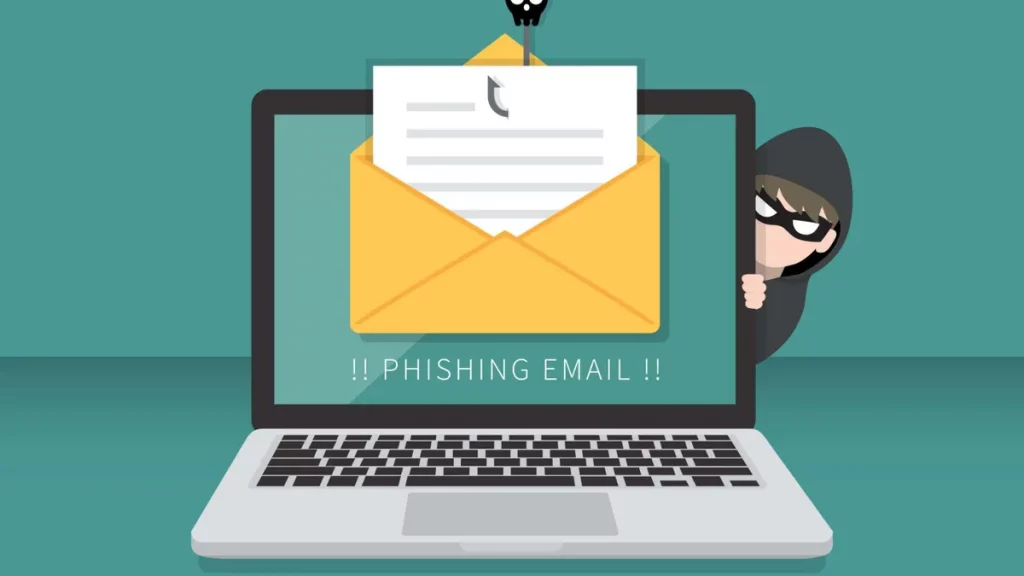
Many organisations invest in Microsoft 365 but still complain about frequent spam and phishing emails. Staff see fake invoices, suspicious links, and emails pretending to be the CEO. Some even get through every day.
If this is happening in your company, it’s not because Microsoft 365 is weak. It’s usually because the right protections are not enabled or enforced.
What You Might Be Doing Wrong
- Relying only on default Exchange Online Protection (EOP).
- No SPF, DKIM, or DMARC on your domain.
- Not enforcing Multi-Factor Authentication (MFA).
- Overly permissive mail flow rules.
- No user awareness training.
What You Should Do Instead
1. Harden Microsoft 365 Security
- Enable Microsoft Defender for Office 365:
https://security.microsoft.com/antiphishing - Configure Anti-Phishing Policies:
https://security.microsoft.com/antiphishing - Set up Safe Links:
https://security.microsoft.com/safelinksv2 - Set up Safe Attachments:
https://security.microsoft.com/safeattachmentv2 - Review Quarantine Policies:
https://security.microsoft.com/quarantine
2. Protect Your Domain with SPF, DKIM, and DMARC
Review DMARC reports (use external tools like MxToolbox).
Configure in Microsoft 365 Admin Center:
https://admin.microsoft.com
Check & enable DKIM:
https://security.microsoft.com/dkimv2
Example DNS setup:
SPF: v=spf1 include:spf.protection.outlook.com -all
DKIM: Enabled in Microsoft 365 Security & Compliance
DMARC: v=DMARC1; p=quarantine; rua=mailto:dmarc-reports@yourcompany.com
3. Enforce MFA for All Users
- Manage via Microsoft Entra (Azure AD):
https://entra.microsoft.com/#view/Microsoft_AAD_ConditionalAccess/ConditionalAccessBlade
4. Review Mail Flow Rules
- Go to Exchange Admin Center → Mail flow:
https://admin.exchange.microsoft.com/#/transportrules
5. Train Your Users
- Deploy the Report Message add-in in Outlook:
https://appsource.microsoft.com/product/office/WA104381180 - Run simulations with Attack Simulation Training (Defender Plan 2):
https://security.microsoft.com/attacksimulator
How to Check if Your Domain is Protected
- Security Dashboard: https://security.microsoft.com/homepage
- Threat Explorer: https://security.microsoft.com/threatexplorer
- SPF/DKIM/DMARC testing: https://mxtoolbox.com
Leadership Takeaway
Spam and phishing are not just IT issues they are business risks. Finance, HR, and CEOs are prime targets.
If phishing keeps slipping through in Microsoft 365, the likely cause is misconfigured security, missing domain protection, or poor staff training.
The fix is available today:
- Enable Defender protections.
- Enforce MFA.
- Lock your domain with SPF/DKIM/DMARC.
- Train your staff.
thanks for this